TL;DR: Paste your JAGS syntax into BayesGraph Studio, or draw your model diagram with the mouse; then copy the auto-generated TikZ code into your LaTeX document. BayesGraph Studio is a single stand-alone HTML file whose behavior is demonstrated in a video walkthrough.
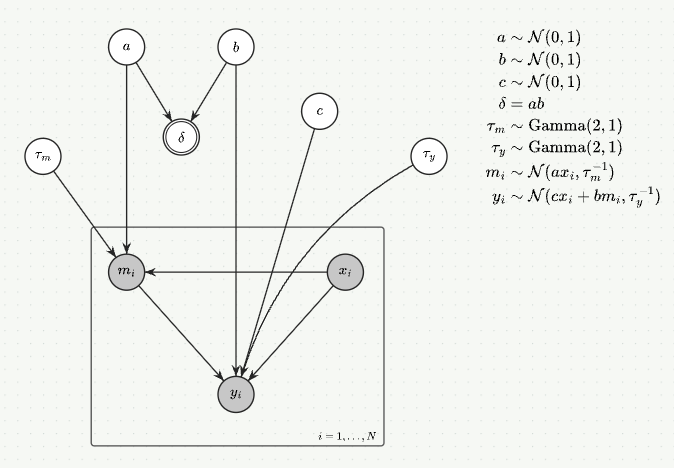
Do you have a sense of esthetics? Can you tell apart the clumsy from the elegant? If you do, you are most likely drawing your graphical models in TikZ. Unfortunately, the TikZ road to an elegant graphical model used to be paved with an alternating pattern of sweat and tears. Thanks to the advent of LLMs, this era of suffering is forever behind us. Based on a single prompt, an LLM can provide the TikZ-enthusiast with a TikZ graphical model that looks almost exactly the way you want it. Almost. The arrow passes through a label, and μ needs to move a centimeter to the left. The arrowheads could be a little more pronounced too. You could explain all this in another prompt, of course. Personally, at this point I’d like to grab μ with the mouse. Enter “BayesGraph Studio“, a stand-alone HTML file that allows users considerable flexibility in designing and adjusting graphical TikZ models without using TikZ directly. In the app, the models are constructed either from JAGS code or from drawing the models on a canvas using the mouse; the corresponding auto-generated TikZ code can then be copied into your LaTeX document.
This particular HTML app was created by ChatGPT Pro following multiple prompts and a few extensive feedback rounds from Claude Fable. I would advise anybody who lets LLMs do anything to have the work from one LLM checked by another LLM (in addition to checking it yourself). Here is a screenshot of the BayesGraph Studio GUI:
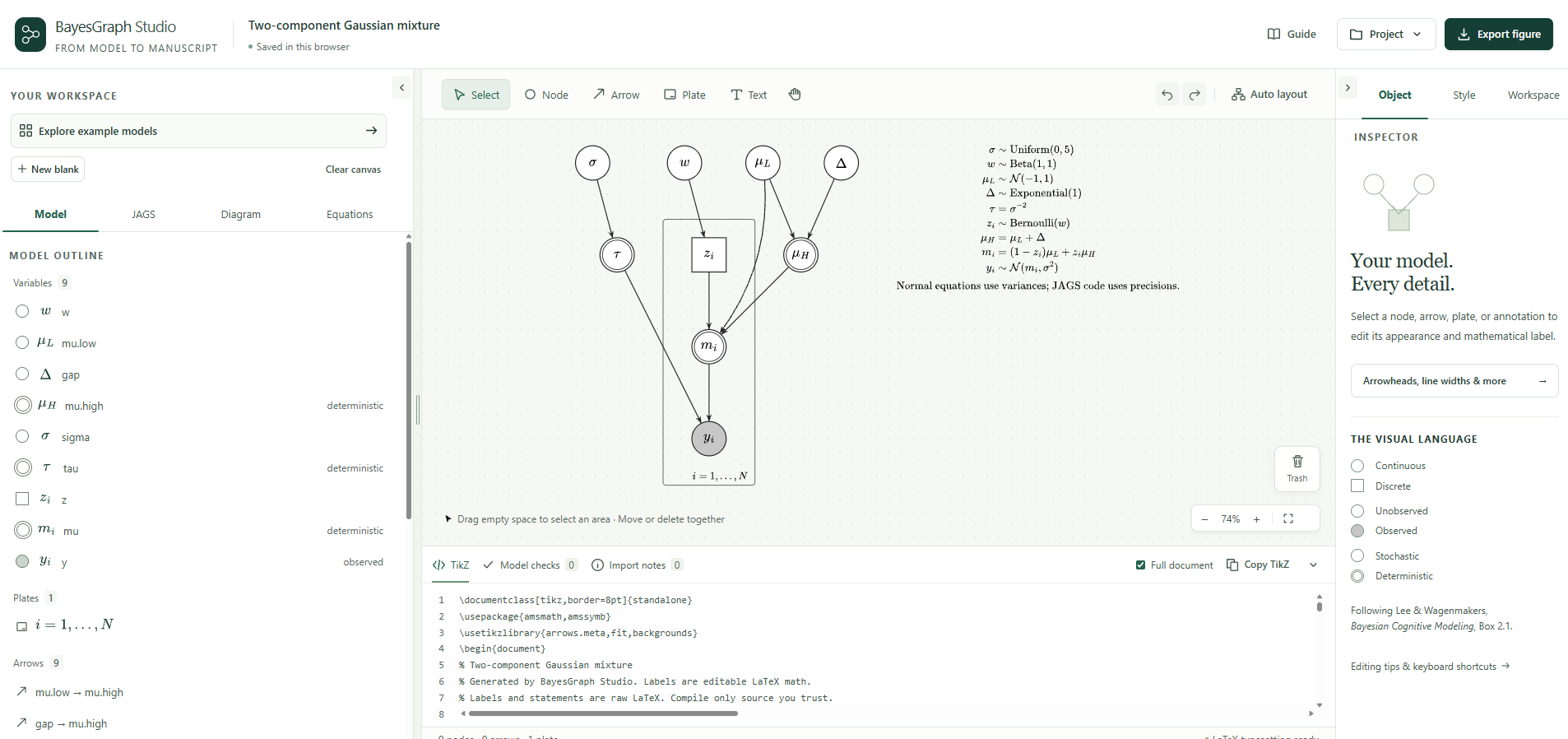
I recommend that you view the walk-through video (with some soothing piano music in the background) to get a more complete impression of what BayesGraph Studio can do. The easiest way to get a feel for the app is to open one of the 24 examples, move a node or bend an arrow, and copy the resulting TikZ into your manuscript. Below is the ChatGPT summary of what the app can do; BayesGraph Studio can:
- Explore 24 editable example models, covering topics such as regression, hierarchical modeling, mixtures, psychometrics, time series, and survival analysis. The accompanying Guide explains each example’s purpose, data requirements, and notation.
- Create Bayesian graphical models from JAGS code or build them visually by adding nodes, arrows, plates, and annotations directly to the canvas.
- Review imported models before drawing: check variable labels, identify observed variables, and adjust plate membership.
- Use LaTeX notation for mathematical labels and model equations, including Greek letters, subscripts, superscripts, and distribution statements.
- Represent different types of variables using familiar graphical conventions: observed or unobserved, continuous or discrete, and stochastic or deterministic.
- Drag nodes to refine the layout, with attached arrows following automatically. Draw curved arrows by dragging their handles or adjusting their curvature.
- Select multiple elements by dragging a selection area, then move, align, duplicate, or remove them together.
- Customize the appearance of your figure: choose arrowhead shapes and sizes, adjust line thickness and shading, and change node and label sizes. Apply settings to the whole figure or individual elements.
- Resize the workspace to give your model code more horizontal room while keeping the diagram in view.
- Start a new blank model, clear the canvas while retaining your JAGS code, or drag unwanted elements to Trash. Undo and Redo make it easy to recover from changes.
- Copy the generated TikZ code as a complete LaTeX document or a picture fragment. Export figures as LaTeX/TikZ, an alternative editable TikZ version, vector SVG, or high-resolution PNG, with controls for output size and resolution.
- Save editable projects and return to them later. The app runs locally in your browser from a single, self-contained HTML file, without installation or an internet connection.
The cool thing about these HTML apps is that anybody can take them and prompt-engineer additional functionality. If the app is useful for you, and you add more functionality, please drop me a line!
Update: The latest version of BayesGraph Studio allows models to be constructed from TikZ code. This means that users can provide TikZ code (possibly obtained from an LLM), and BayesGraph Studio will then create the corresponding graphical model that can then be easily adjusted and edited. The link to the app is unchanged.
Eric-Jan Wagenmakers
Eric-Jan (EJ) Wagenmakers is professor at the Psychological Methods Group at the University of Amsterdam.